myView
Share several monitors at once in a video call.
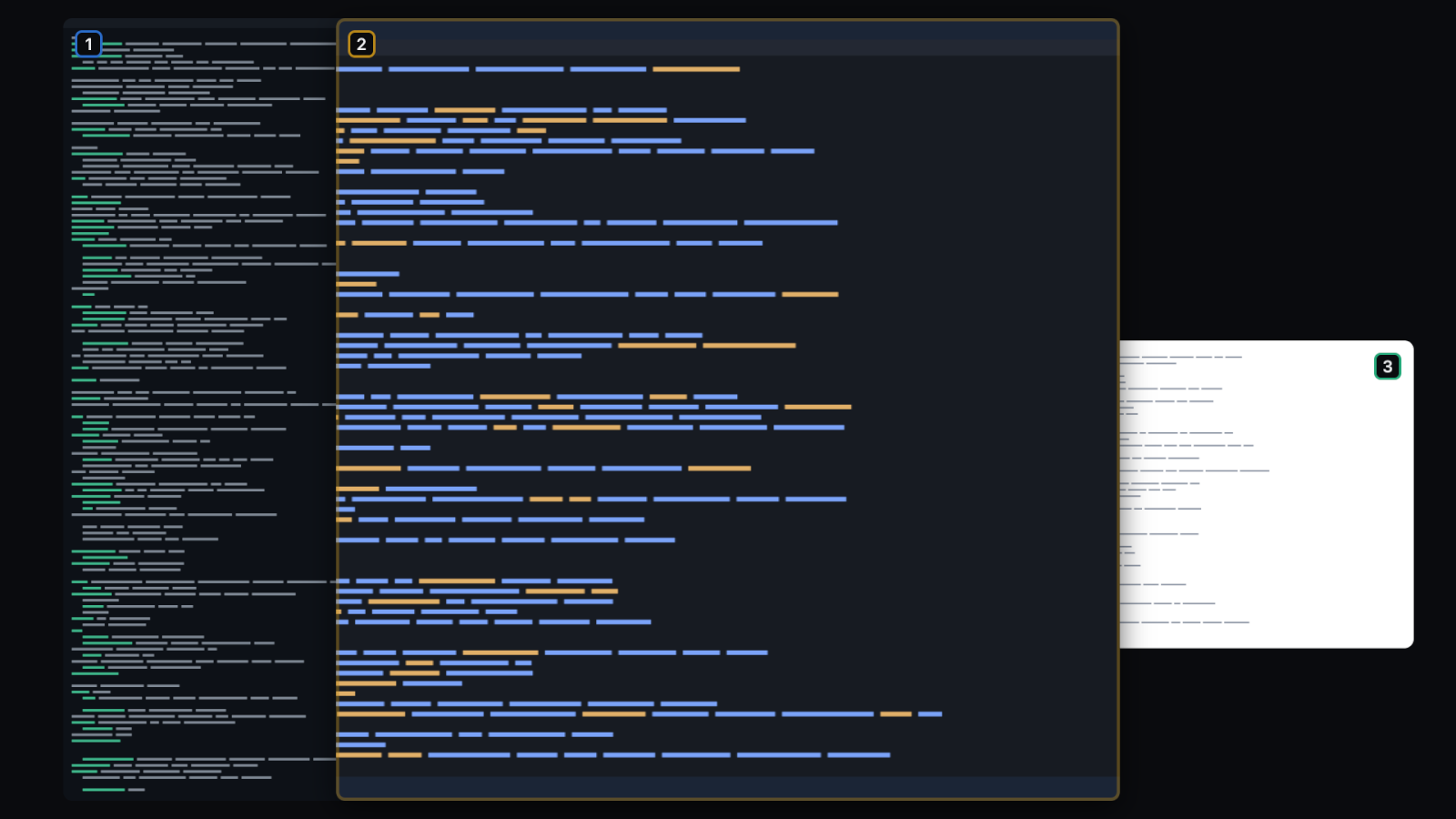
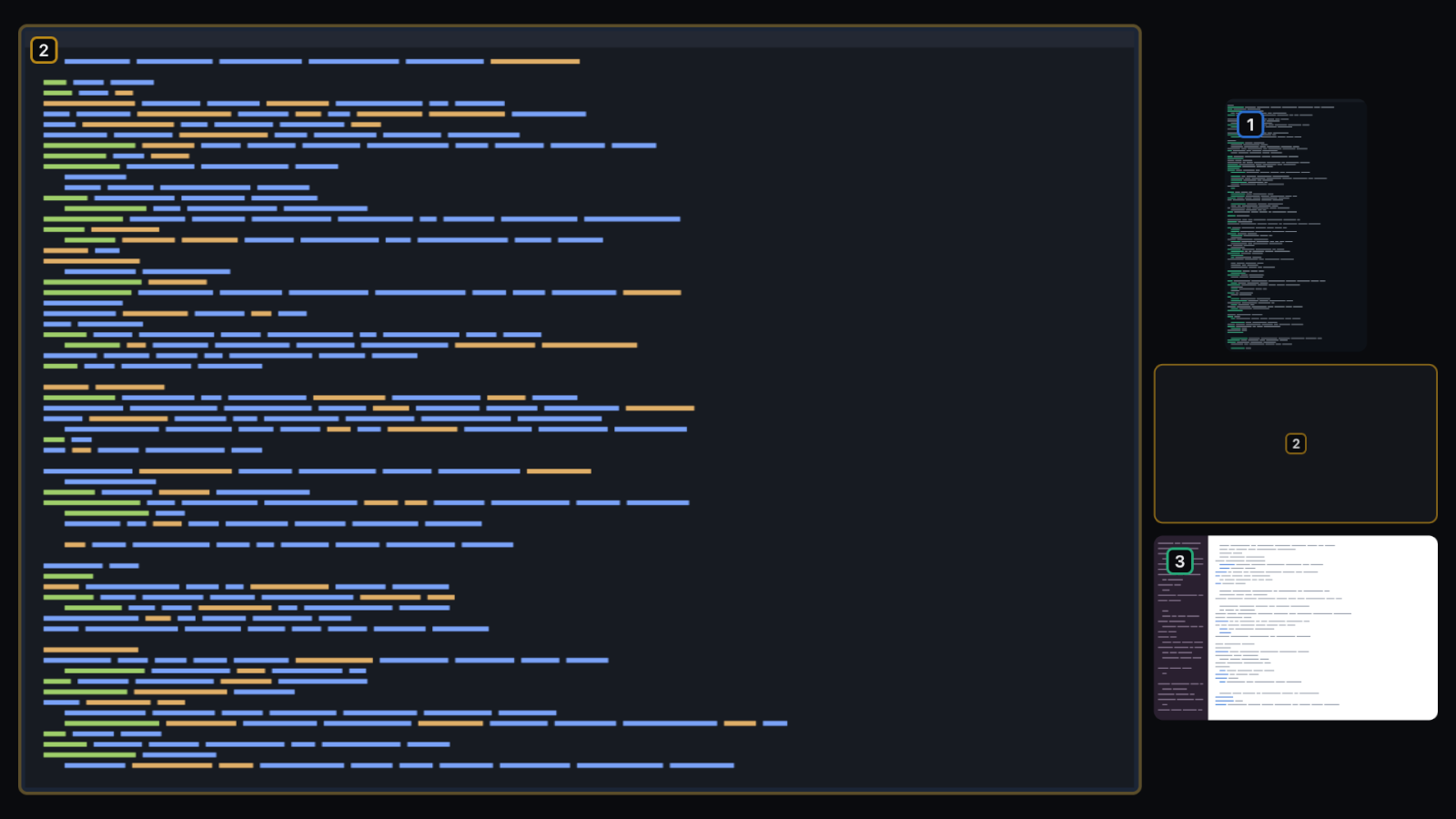
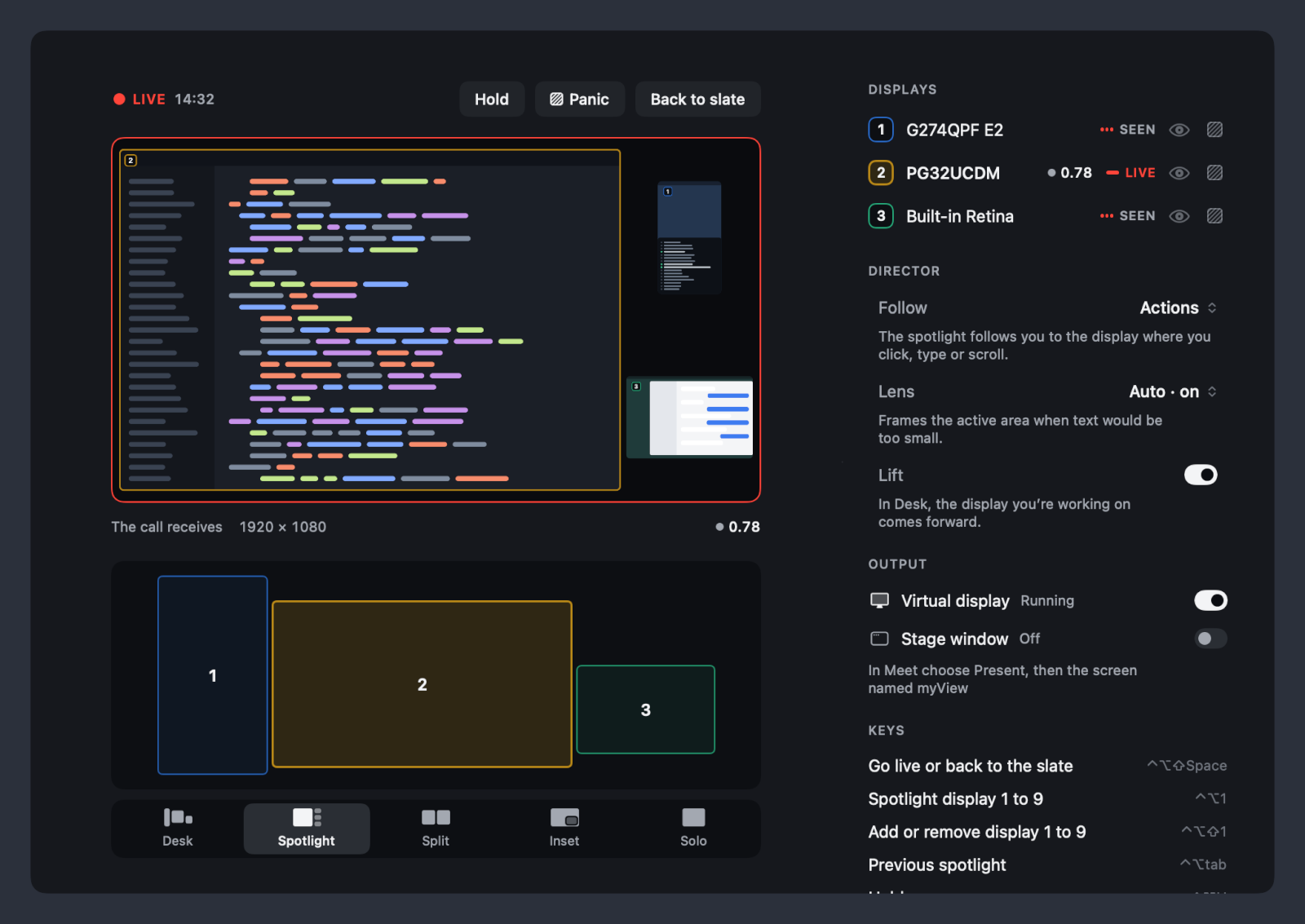
myView puts the monitors you choose into one 16:9 picture. Your meeting app sees it as one more screen: share that screen and you are sharing all of them. The people on the call see your whole desk, and the display you are working on stays large enough to read.
Five layouts arrange the displays: Desk, Spotlight, Split, Inset and Solo. The spotlight follows you to the display where you click, type or scroll, and the Lens frames the active area when text would otherwise be too small. To keep something private you can blank a display, hold the picture, or press a panic key.
Used in real Google Meet and Discord calls, where the person watching could read the text. FaceTime is intended and not yet tested.
After you download
- Unzip the download and move myView to your Applications folder.
- Open it and allow Screen Recording when macOS asks.
- In your call, share your screen and pick the one named myView.
- Kind
- Mac menu bar app
- Version
- 0.2.2
- Size
- 3.9 MB, zip archive
- Requires
- macOS 26.4 or later on Apple silicon
- Asks for
- Screen Recording, on first use
- Signed
- Developer ID, notarized by Apple
- SHA-256
cb494bcae45f38a51cc1ef513192df99447f690fc93e374457ca3ed75a8365cf